

By 2026, Atlanta business owners will not be asking whether AI belongs in the stack. They will be asking which tools can handle real work without adding risk. That shift matters in a market where AI has moved from experimentation to daily operations, and where the strongest categories now include CRM, content generation, bookkeeping, support automation, and workflow tools that affect revenue and compliance (Mind Studio's small-business AI tool guide). In Atlanta, that broader market is visible in the local ecosystem too, with one directory reporting 20 verified AI providers across 20 solution categories serving the city (Atlanta Digital AI directory).
For Atlanta firms, the practical question is not whether to use AI. It is which tools fit existing systems, protect sensitive data, and avoid governance problems later. That point matters more than many business owners realize. If your team adopts AI on laptops, desktops, and servers that later need secure retirement, the software choice and the hardware disposal decision are tied together. Tools that sit inside Microsoft 365, Google Workspace, CRM platforms, ticketing systems, and asset-management workflows are usually easier to control.
A smart rollout also has to account for secure end-of-life handling. Georgia's e-waste rules are limited in scope, federal disposal obligations still matter, and businesses need chain-of-custody discipline when devices leave the building. Atlanta companies that are also reviewing broader IT planning can use Beyond Surplus's guide to how Atlanta companies are upgrading IT in 2026 to connect software rollout decisions with hardware retirement planning. With that baseline, here are the AI tools that deserve attention.
1. Microsoft Copilot for Microsoft 365
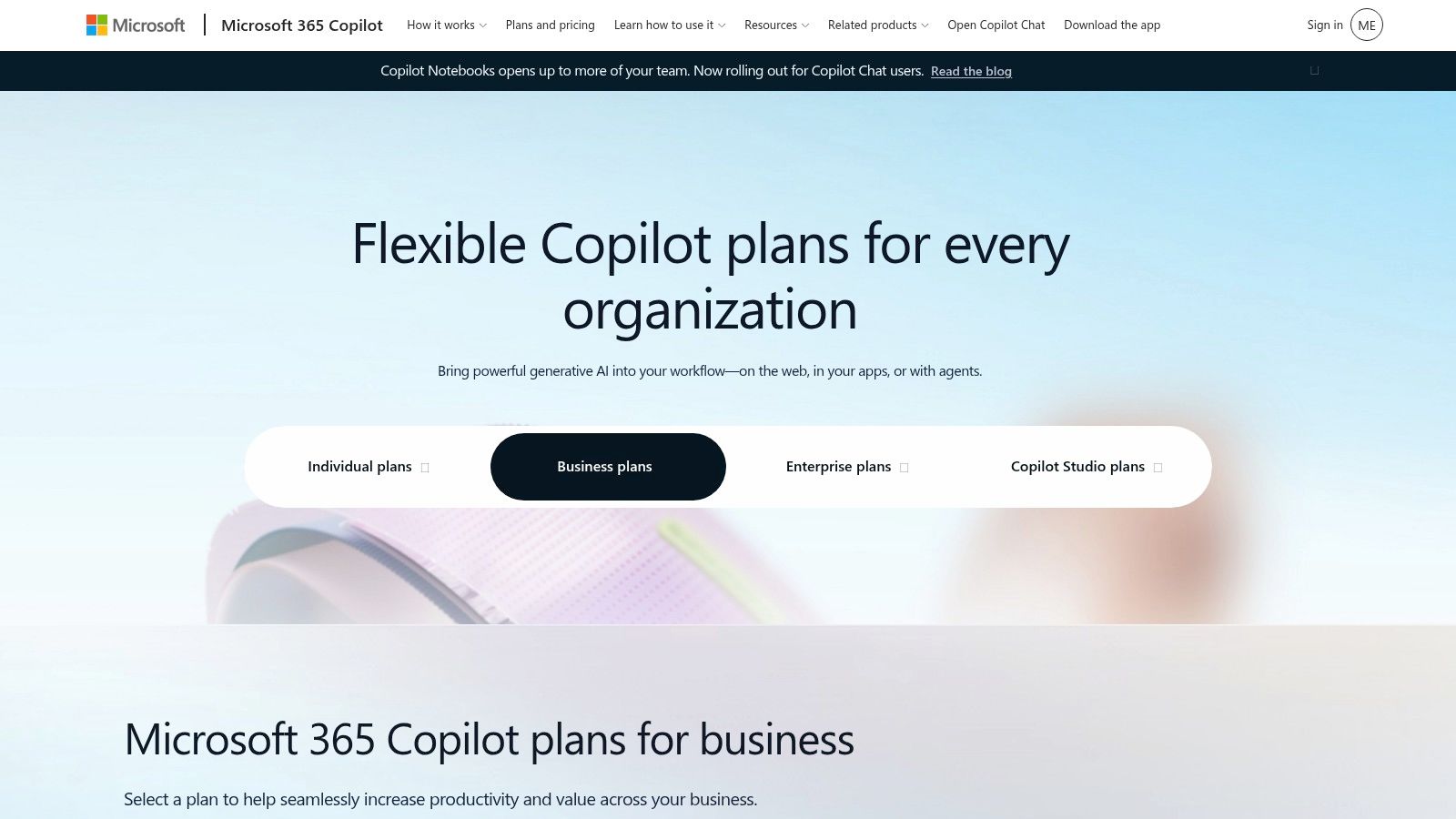
Microsoft Copilot makes the most sense when a company already lives in Word, Excel, PowerPoint, Outlook, and Teams. It brings drafting, summarizing, analysis, and meeting support into the apps staff already use, which reduces the friction of asking people to learn a separate assistant. For Atlanta firms that need enterprise controls, that embedded model is a real advantage.
Practical rule: If your team already pays for Microsoft 365 and spends the day in Outlook and Teams, start here before adding a standalone chatbot.
Copilot's strongest use cases are proposals, SOPs, contracts, meeting follow-ups, and customer communications. The governance angle matters too, because the product is positioned around enterprise security and admin controls, not casual use. Microsoft's pricing and licensing are more complicated than a simple flat app subscription, so finance teams should check what's bundled, what's add-on, and what's usage-metered before rollout (Microsoft 365 Copilot pricing).
Where Copilot works best in Atlanta operations
Copilot is strongest in regulated environments where staff already need permissions, retention policies, and auditability. It can help leadership teams turn long email threads into action items, while operations staff use it to rework standard documents faster.
For teams retiring old laptops, servers, or office PCs, that same Microsoft-centered workflow can also help preserve records before devices are decommissioned. Beyond Surplus's work on IT modernization in Atlanta fits this environment well, especially for companies tightening their device lifecycle process (Beyond Surplus on Atlanta IT upgrades).
2. Google Workspace with Gemini for Work
Google Workspace with Gemini is a strong fit for teams that collaborate heavily in Gmail, Docs, Sheets, Slides, and Meet. It helps with client emails, SOPs, document summaries, and presentation cleanup, especially when multiple people need to review and revise content quickly. The platform's cloud-native sharing model is a practical advantage for distributed Atlanta teams.
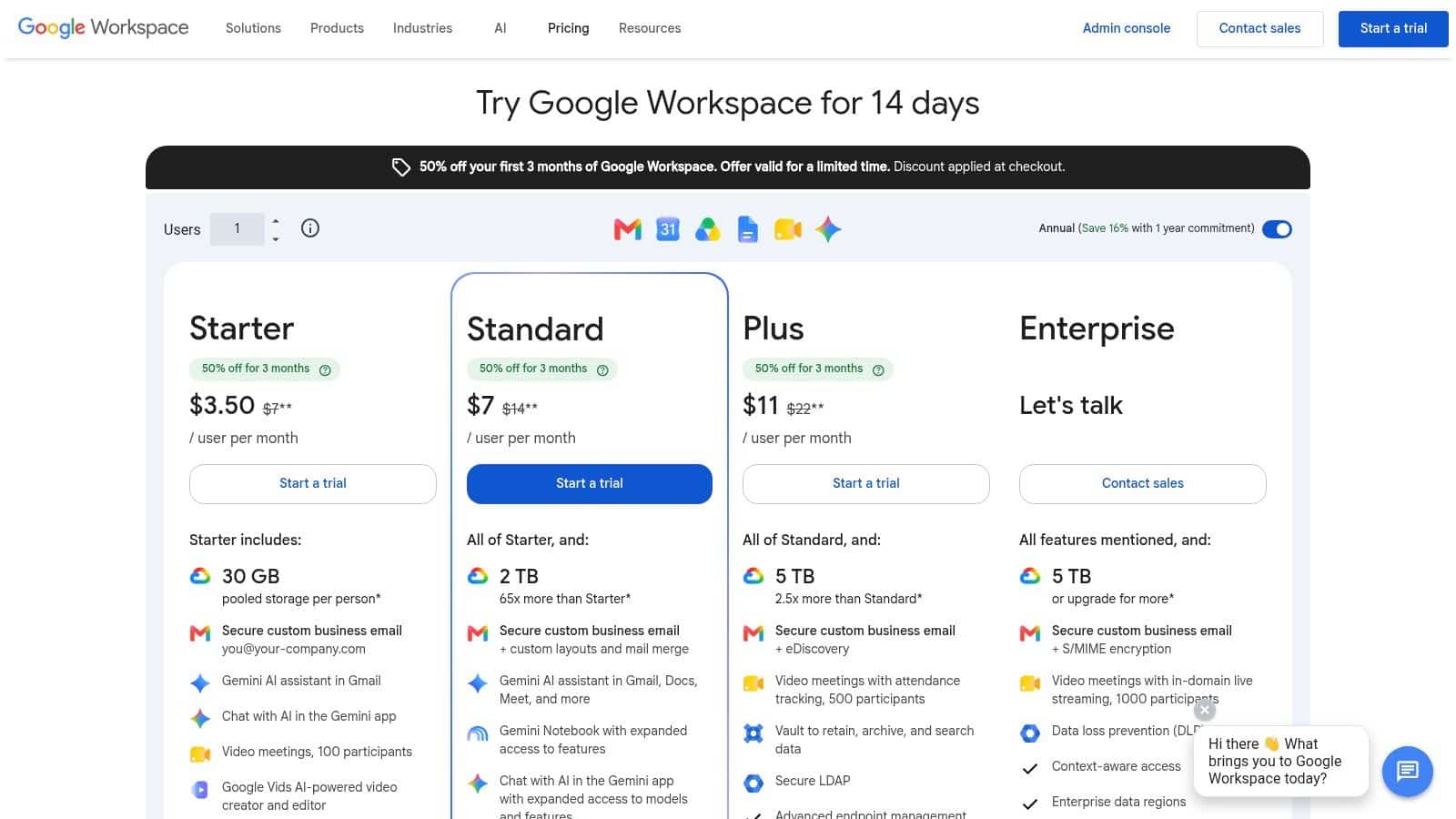
The trade-off is straightforward. Gemini features and included capabilities vary by Workspace edition, so the best value usually comes when a company standardizes on Google Workspace instead of mixing too many productivity systems. That said, Google's enterprise billing and administration setup gives IT teams a clear path for managing AI features within the collaboration stack (Google Workspace pricing).
Best-fit scenarios for Gemini
Gemini makes sense for firms that run on shared docs, cross-functional review, and lightweight process documentation. It can also sit alongside Microsoft tools in mixed environments, which matters for firms that aren't ready for a full platform migration.
AI tools save the most time when they sit inside the app people already open every morning.
This is a key benefit. If your team already works from a shared Google environment, Gemini reduces the need for separate drafting tools and keeps collaboration in one place. For Atlanta companies that later need to retire shared Chromebooks, office PCs, or network gear, keeping collaboration records inside one ecosystem also helps with cleanup and documentation.
3. OpenAI ChatGPT Business and Enterprise
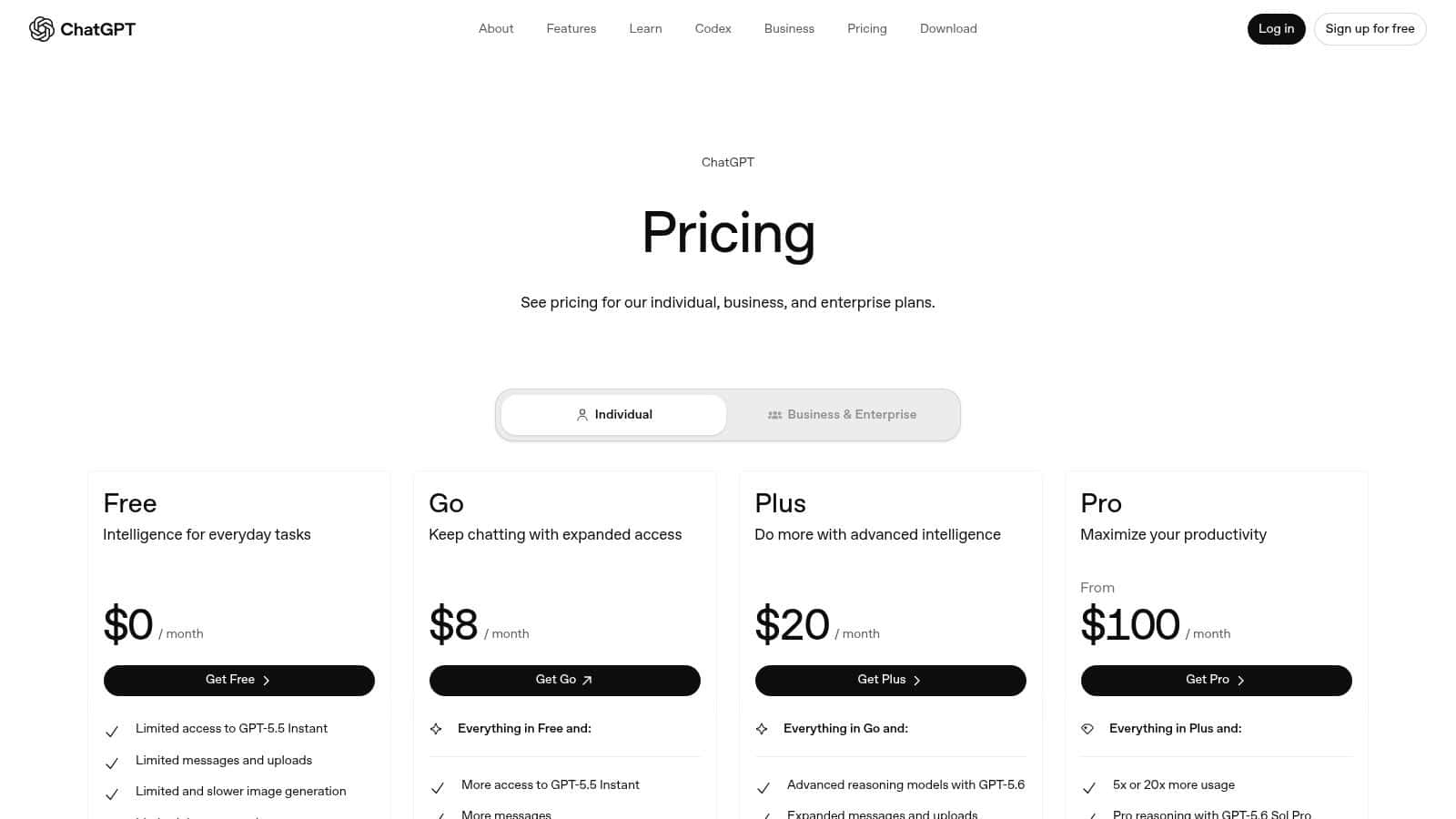
ChatGPT remains one of the most adaptable general-purpose tools for drafting, summarizing, brainstorming, and answering questions across business workflows. The business versions matter because they add workspace controls, private handling policies, and team administration inside the product instead of leaving employees to rely on personal accounts. For Atlanta firms that handle client data, compliance documents, or internal SOPs, that difference matters in day-to-day use.
The practical value is speed. Teams use it for customer communications, training content, policy drafts, and first-pass document review. The trade-off is that plan details change, and Enterprise pricing is typically quote-based, so procurement teams should confirm the current terms before rolling it out across departments (ChatGPT pricing). For a broader look at local SEO use cases, see the ChatGPT on AI Tools for Local SEO reference.
Why business controls matter more than convenience
ChatGPT works because it can handle many tasks, but that flexibility can create governance issues if employees paste sensitive records into the wrong place. Security teams need clear rules on which data types are allowed, which workspaces are approved, and which users can access higher-capability tiers.
Operational insight: The strongest ChatGPT rollout is usually a controlled one, with clear use cases and no assumption that every team should use it the same way.
For Atlanta businesses, that matters most in healthcare, finance, education, and government. It also matters as hardware refresh cycles begin, because the devices people used for AI work still need proper disposal or data destruction once they are replaced. Beyond Surplus's business pickup and chain-of-custody services fit that handoff, and Atlanta companies using AI to grow faster often find that faster adoption also speeds up hardware turnover, as outlined in how Atlanta businesses are using AI to grow faster.
4. Salesforce Einstein 1
Salesforce Einstein 1 is the obvious choice for teams already running their sales and service operations inside Salesforce. It helps score leads, forecast demand, auto-capture activities, and suggest next-best actions in the CRM layer itself. That makes it far more useful than a generic assistant for B2B sales teams that depend on pipeline accuracy.
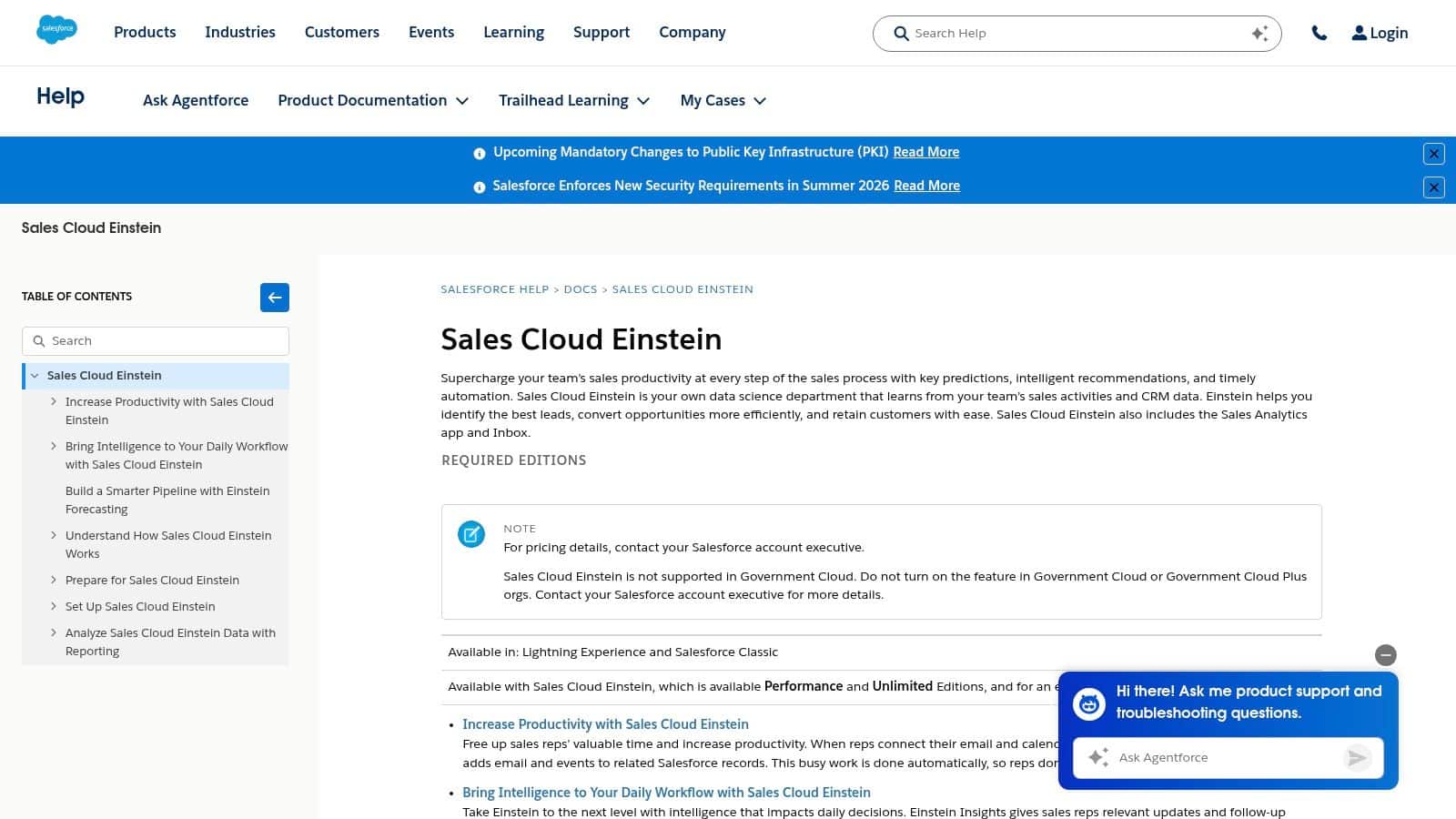
The biggest advantage is integration depth. When sales reps do not have to re-enter activity data by hand, follow-through improves and reporting gets cleaner. The downside is admin complexity, especially for smaller companies that do not already have a Salesforce specialist. Pricing also varies by edition and add-ons, so the buying process usually requires consultation rather than a quick checkout (Salesforce Einstein documentation).
When Einstein 1 earns its keep
Einstein 1 is best for firms with a real CRM discipline already in place. If the sales team lives in spreadsheets and the service team works from email only, the AI layer won't fix the process gap.
What it can do is sharpen an already working revenue engine. It helps managers see activity trends, reduces manual CRM work, and keeps pipeline data closer to reality. For Atlanta companies that also rotate out aging workstations and mobile devices, that kind of CRM maturity usually pairs well with formal asset retirement processes, because both depend on structured records and accountability.
5. HubSpot AI across Hubs
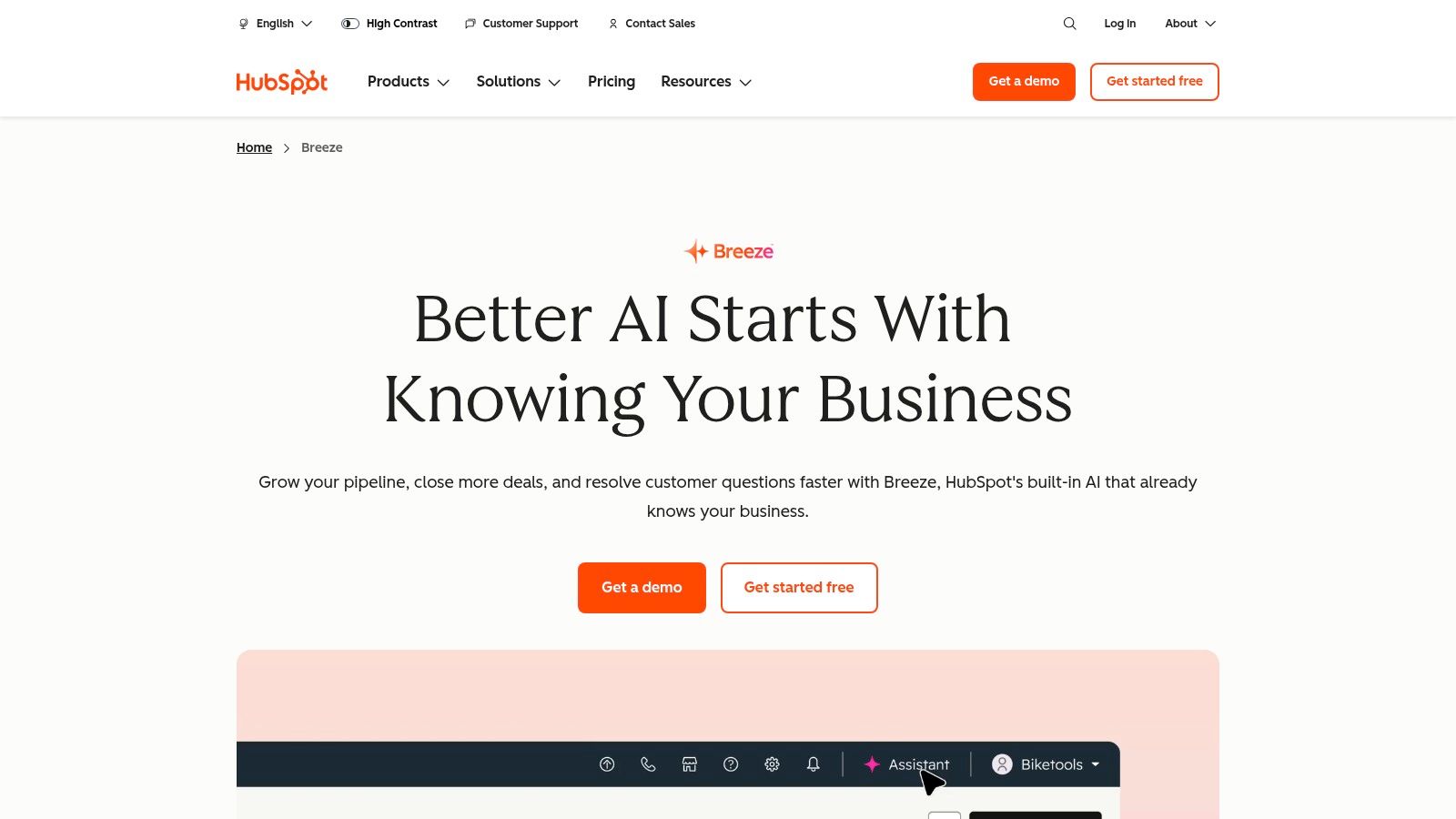
HubSpot's AI, branded as Breeze, is a strong middle-ground option for growing firms that want less complexity than a heavyweight enterprise CRM. It sits across Marketing, Sales, Service, and Content Hubs, so teams can generate content, summarize calls, automate follow-ups, and support inbound lead growth in one platform. The deployment model is simpler than many enterprise systems, which is why it often fits SMB to mid-market teams well (HubSpot AI product page).
The trade-off is tier fragmentation. AI features and pricing are spread across different Hubs and plans, so leaders need to check exactly what is included before they commit. That's manageable, but it does require more attention than a one-size-fits-all subscription.
Why smaller teams like it
HubSpot works because it collapses marketing-to-service handoffs into one environment. That helps when a sales rep needs context from a marketing campaign or when service needs to see the original lead source.
For Atlanta businesses, that means less app switching and fewer handoff errors. It also means better recordkeeping when equipment is eventually retired, because customer communication, service history, and internal documentation tend to stay in one place. Beyond Surplus's Atlanta tech-hub perspective is relevant here, since companies in fast-moving markets usually need both digital discipline and secure disposal workflows (Why Atlanta is becoming the South's tech hub).
6. Zendesk AI
Zendesk AI is built for support teams that handle lots of repetitive questions across web chat, email, SMS, and social channels. For Atlanta businesses, that makes it useful for pickup questions, accepted-item explanations, scheduling instructions, and document requests. The AI agent and copilot model helps route issues before a human has to step in (Zendesk pricing).
The main advantage is operational clarity. Zendesk documents base pricing and usage tracking, so teams can watch how AI-resolved conversations affect spend. The main downside is that costs can rise with usage, especially if the team leans heavily on AI resolution and adds advanced features like workforce management or extra AI modules.
Support teams need predictable handoffs
Zendesk works best when support leaders want self-service to absorb routine questions while agents handle exceptions. That means the knowledge base has to be current, the routing rules have to be sane, and the team has to keep a close eye on escalations.
Strong support automation starts with accurate answers, not just fast replies.
That matters for any Atlanta company that accepts equipment pickups or schedules recurring service visits. It also matters when retired devices are waiting for disposition, because customers and internal staff need consistent answers about timing, accepted materials, and documentation.
7. Zapier AI
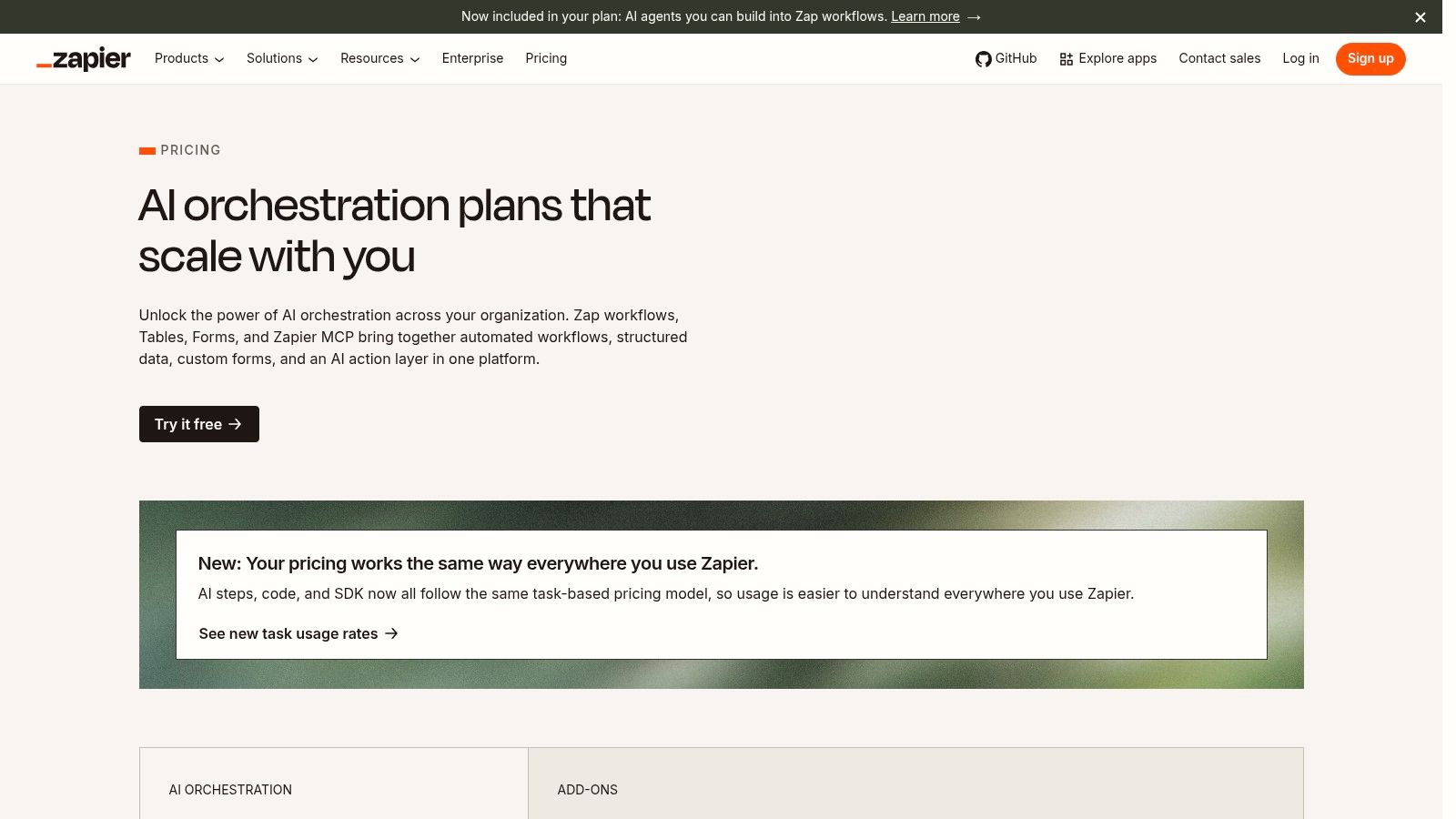
Zapier AI is the best “glue” tool on this list. It connects thousands of apps and adds AI steps, AI Actions, and chatbot capabilities so teams can automate intake forms, ticket routing, CRM updates, pickup scheduling, and notifications without building custom code. For Atlanta businesses that juggle Microsoft 365, Google Workspace, CRM systems, and logistics tools, that interoperability is the point (Zapier pricing).
The trade-off is governance. Automation is easy to start and easy to overbuild, and heavy usage can create meaningful task and AI costs. Complex automations can also still need developer oversight, especially when data moves between systems with different permissions.
Where Zapier AI fits in practice
Zapier is strongest when you want one event to trigger another without staff intervention. A form submission can become a support ticket, a sales note, and a follow-up reminder. A pickup request can become a dispatch task and a customer notification.
That's valuable for firms handling recurring electronics logistics, because the administrative overhead drops fast when intake and scheduling are connected. It also keeps handoffs cleaner between teams that don't sit in the same system all day.
8. Box AI
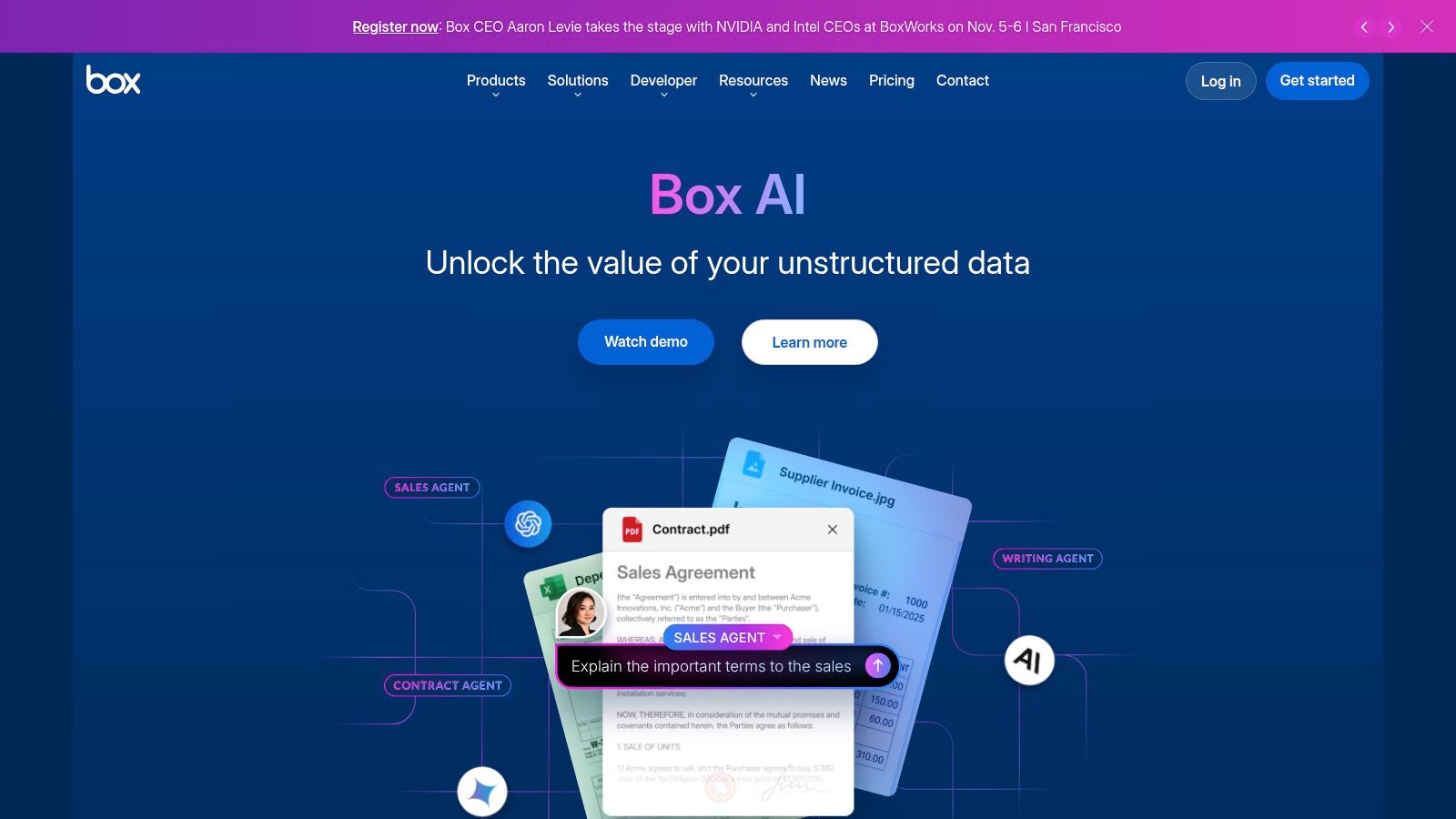
Box AI fits companies that keep sensitive records in Box and need those files to stay organized, searchable, and controlled. It can summarize documents, extract key details, and answer questions from stored files, which makes it practical for chain-of-custody forms, certificates of recycling, destruction records, contracts, and SOPs. The governance controls stand out because the platform is built around controlled content management, not casual file sharing (Box AI).
The trade-off is dependence on Box. Box AI works best when Box is already the system of record, and some advanced capabilities may sit behind higher-tier plans or add-ons. For compliance-heavy teams, that trade-off often makes sense because the same structure that limits flexibility also reduces document sprawl and access risk.
Why document governance matters
Atlanta firms handling regulated hardware, disposal certificates, or legal records need more than fast search. They need controlled access, traceability, and document handling that does not create a new leak point.
If the record matters for audit or liability transfer, keep it in a system built for governance, not a random shared drive.
That matters for businesses working with data-center operations, where document control and asset handling often move together. Box AI can support that document structure, while a provider like Beyond Surplus can manage the downstream physical asset disposition and documentation. For teams tracking broader security and compliance exposure across AI adoption, this guide on Atlanta cybersecurity trends every business should watch adds useful context.
9. CrowdStrike Charlotte AI
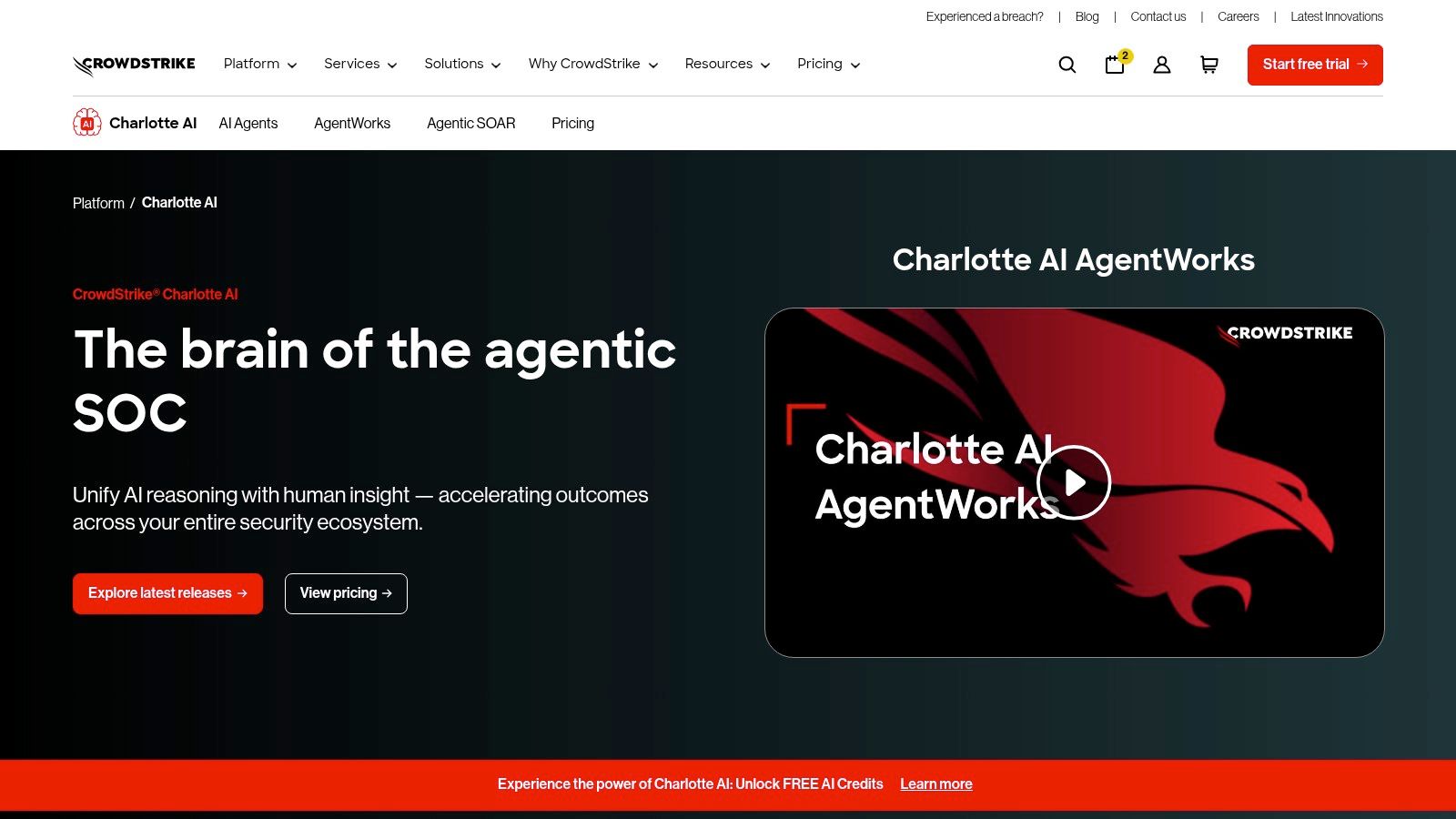
Charlotte AI is a security assistant inside the CrowdStrike Falcon platform. It helps teams investigate detections, hunt threats, and accelerate incident response using natural-language querying and guided workflows. For Atlanta organizations protecting sensitive devices and customer records, that security context is hard to ignore (Charlotte AI).
The biggest value is speed with context. Security analysts can query Falcon data and move through repetitive tasks faster. The downside is simple. It works best when the organization already uses Falcon, and pricing is quote-based depending on the bundle and modules.
Security and disposal have to stay aligned
AI adoption can increase the number of endpoints, the amount of data copied around, and the number of people who touch sensitive systems. That makes endpoint security and end-of-life hardware control part of the same conversation.
Atlanta businesses should treat AI tools and device retirement as linked processes, not separate projects. The same discipline that protects endpoints during active use should also govern how they are wiped, shredded, or recycled when they're replaced. Beyond Surplus's cybersecurity-related Atlanta guidance fits that reality well (Atlanta cybersecurity trends every business should watch).
10. OptimoRoute
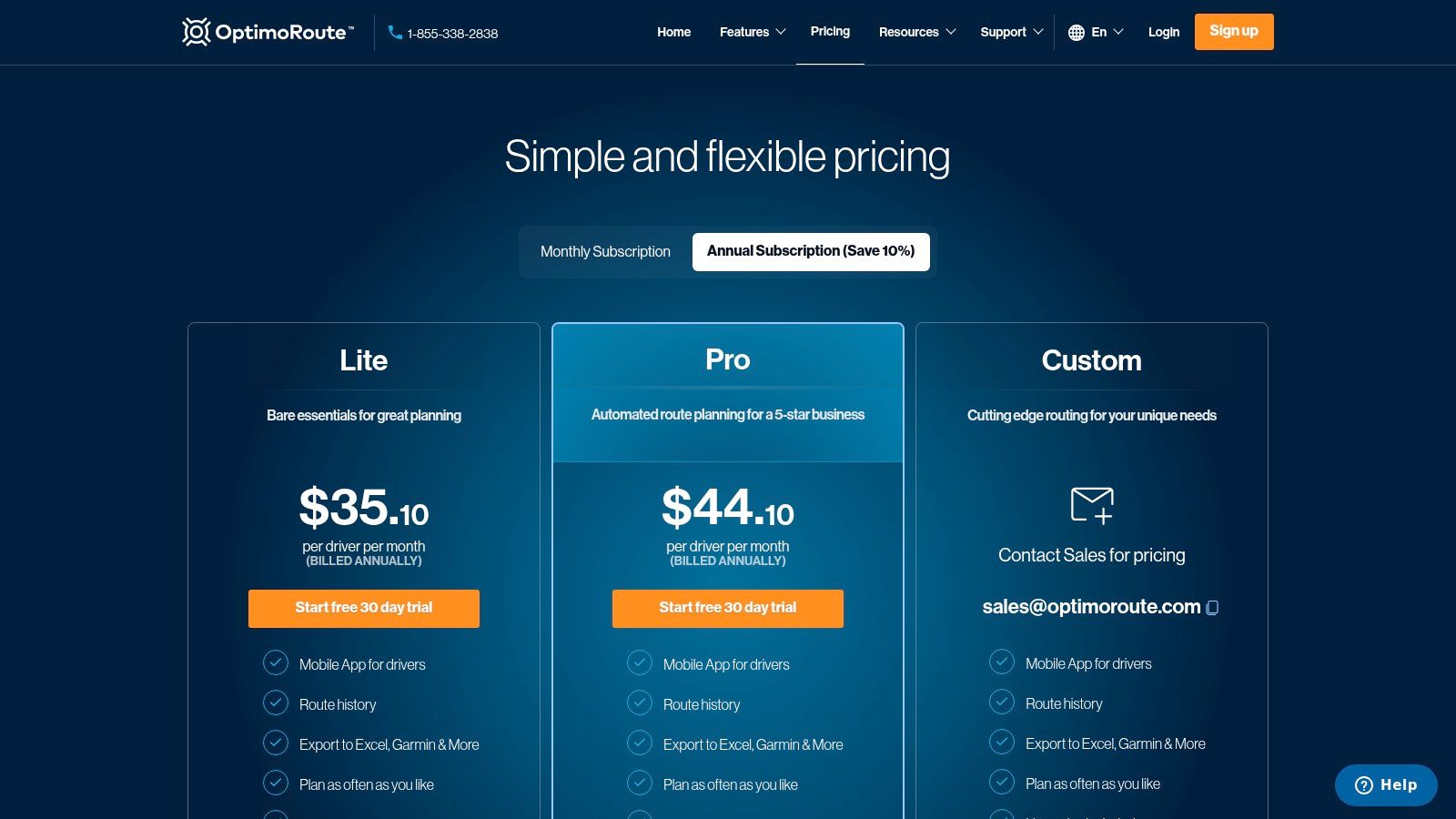
OptimoRoute is the strongest fit for businesses that need AI-assisted route and schedule optimization. It plans routes quickly, supports real-time re-optimization, and handles driver capacity, time windows, and service areas. For Atlanta pickup operations, that means less windshield time and tighter coordination across multiple stops (OptimoRoute pricing).
The trade-off is scope. OptimoRoute does routing very well, but it doesn't replace a full telematics or camera platform. It may also require integration work to sync with CRM or dispatch systems.
Why routing matters for disposal work
For electronics recycling, pickup efficiency is not a side issue. If a crew can consolidate stops, respect time windows, and keep routes clean, the whole operation runs better. That becomes even more important when equipment has to move from commercial sites to secure processing.
Good routing software doesn't just save time. It protects service quality when the day gets messy.
Atlanta companies that schedule recurring pickups, de-installs, or multi-site equipment retrievals should pay attention here. Routing quality affects labor, customer satisfaction, and how reliably assets make it to final disposition.
Top 10 AI Tools for Atlanta Businesses, Features & Use Cases
| Product | Core features | UX / Quality (★) | Value & Pricing (💰) | Target audience (👥) | Unique selling points (✨ / 🏆) |
|---|---|---|---|---|---|
| Microsoft Copilot for Microsoft 365 | AI inside Word/Excel/PowerPoint/Outlook/Teams; enterprise admin controls | ★★★★☆ enterprise-grade governance | 💰 Complex bundles & add‑ons; enterprise cost | 👥 Enterprises on M365, regulated industries | ✨ Deep MS365 integration, Copilot Chat; 🏆 strong compliance |
| Google Workspace with Gemini for Work | Gemini across Gmail/Docs/Sheets/Slides/Meet; enterprise admin/billing | ★★★★☆ fast collaborative UX | 💰 Clear billing for Gemini, edition-dependent | 👥 Google-first teams; collaboration-focused orgs | ✨ Cloud-native collaboration; easy sharing |
| OpenAI ChatGPT (Business / Enterprise) | Team workspace, admin controls, private data policies | ★★★★☆ rapid generation, flexible models | 💰 Seat/plan tiers; Business (no training), Enterprise quote | 👥 Teams needing flexible AI and content generation | ✨ Fast content/Q&A; strong data-privacy options |
| Salesforce Einstein 1 (Sales / Service) | Lead scoring, forecasting, activity capture, next-best-action | ★★★★☆ CRM-embedded insights | 💰 Quote-based with many add‑ons | 👥 Salesforce users, B2B sales & service teams | ✨ CRM-native intelligence; 🏆 deep sales/service integration |
| HubSpot AI (“Breeze”) across Hubs | AI assistants across Marketing/Sales/Service/Content | ★★★★☆ simple, fast time-to-value | 💰 Tiered per Hub; feature scatter by plan | 👥 SMB → mid-market inbound & service teams | ✨ Easy deployment; unified marketing→service flow |
| Zendesk AI (Support & Self-Service) | AI agents, omnichannel, knowledge-base automation | ★★★★☆ designed for high-volume support | 💰 Base plan + AI add-on; usage scales with volume | 👥 High-volume customer support teams | ✨ Omnichannel AI agents; transparent AI billing |
| Zapier AI (Automations, AI Actions) | AI steps + 7,000+ app integrations, chatbots | ★★★★☆ very flexible automations | 💰 Task/AI usage billing; costs scale with volume | 👥 Ops/IT automators, no-code integrators | ✨ Fast app "glue", broad connectivity; 🏆 extensive integrations |
| Box AI (Content Mgmt & Redaction) | File Q&A, summarization, redaction, model choice | ★★★★☆ secure content workflows | 💰 Add-on tiers; requires Box as record system | 👥 Compliance teams, audits, chain-of-custody docs | ✨ Secure redaction & Q&A, multiple model options |
| CrowdStrike Charlotte AI | Natural-language queries, guided investigations, orchestration | ★★★★☆ speeds detection & response | 💰 Quote-based via Falcon bundles | 👥 Security/IR teams protecting endpoints & cloud | ✨ NL querying for incidents; 🏆 built on enterprise Falcon |
| OptimoRoute (Route Optimization) | Fast route planning, real-time re-optimization, ETAs | ★★★★☆ operationally efficient | 💰 Driver-based pricing; plan tiers | 👥 Field-service & delivery ops, multi-stop pickups | ✨ Large-scale optimization, real-time rerouting |
Next Steps Integrate AI and Secure Your IT Assets
The right AI stack for an Atlanta business is rarely a single tool. It is usually a set of platforms that fit together, match the way the team already works, and avoid adding new risk around data handling, user access, and device retirement. Microsoft Copilot, Google Workspace with Gemini, ChatGPT, Salesforce Einstein 1, HubSpot AI, Zendesk AI, Zapier AI, Box AI, CrowdStrike Charlotte AI, and OptimoRoute each solve different problems, but none of them removes the need for governance. Strong deployments tie AI adoption to process discipline, especially when sensitive records, regulated equipment, or customer data are involved.
Disposal planning has to sit beside that rollout. Georgia does not have a unified statewide business e-waste mandate, and federal rules still govern hazardous materials and consumer information disposal. As noted earlier, the relevant obligations come from Georgia e-waste guidance, broader compliance guidance, and federal disposal rules. If AI adoption is pushing your organization toward faster hardware turnover, you need a secure offboarding path for the devices that powered those tools. That includes hard drive shredding, certified data wiping, chain-of-custody documentation, and commercial pickup logistics that fit your site.
Beyond Surplus is one Atlanta-based option for businesses that need that last step handled properly. The company works with IT equipment disposal, electronics recycling, data destruction, and logistics coordination, which makes it relevant when AI adoption triggers retirements across desktops, laptops, servers, and storage media. For organizations with procurement, IT, or facilities responsibility, the cleanest path is to review the current AI stack, identify the hardware reaching end of life, and line up disposal before the next refresh cycle starts. For practical security context, a small business cybersecurity guide can help frame the conversation further.
A secure AI rollout is not only about adoption. It is also about knowing what to retire, what to wipe, and what needs certified destruction before it leaves the building.


