

An audit request lands on your desk. The retired laptops are already stacked in a storeroom, several hard drives have lost their labels, and nobody can immediately prove where each device went. Searching for “hard drive shredding near me” is no longer a recycling task. It's a search for a defensible process that protects sensitive information, preserves an audit trail, and routes electronic waste into responsible recycling.
For commercial organizations, the physical destruction is only one part of the decision. You also need the right method for each media type, controlled transportation, serial-number reconciliation, and documentation that proves what happened. The Federal Trade Commission's Disposal Rule has made reasonable, appropriate disposal practices a federal compliance expectation for covered consumer-report information since June 1, 2005. The FTC's disposal guidance specifically addresses destroying or erasing electronic media so information can't be read or reconstructed.
Table of Contents
- Understanding Hard Drive Shredding for Business Compliance
- Navigating Regulatory Drivers and Environmental Standards
- Evaluating On-Site Versus Off-Site Destruction Services
- Mastering Chain of Custody and Proof of Destruction
- Choosing the Right Method, Shredding, Purging, and NIST Standards
- Preparing Your IT Assets for Pickup and Disposal
Understanding Hard Drive Shredding for Business Compliance
A commercial hard-drive shredding service physically destroys magnetic storage media. The process must address the complete device, including the platters that hold data, the controller board, casing, and other components. Deleting files, formatting a disk, drilling a hole, or smashing a drive doesn't automatically produce a defensible sanitization result.
For a procurement director, the actual question isn't whether a vendor owns a shredder. It's whether the provider can connect the destruction method to your policy, risk profile, and evidence requirements. A drive selected for permanent disposal needs a destruction process that makes recovery infeasible. A drive selected for redeployment may need a validated purge instead, because physical destruction eliminates its reuse and resale potential.
What the service should accomplish
A credible commercial workflow should establish four outcomes:
- Controlled handling: Employees or contractors can't access drives after decommissioning without authorization.
- Media-appropriate destruction: The provider distinguishes magnetic hard disk drives from SSDs, hybrid drives, tapes, and encrypted media.
- Verified processing: Equipment specifications and output controls support the stated sanitization result.
- Documented closure: Your team receives records that reconcile the assets collected with the assets destroyed.
The hard-drive shredding process should therefore be treated as a formal IT asset disposition event, not an informal recycling handoff. That distinction matters during a breach investigation. If a retired drive is missing and your company can't show who handled it, when custody changed, or how destruction occurred, the absence of evidence becomes a business risk of its own.
Why “near me” isn't the deciding factor
Local proximity can simplify scheduling, but it doesn't establish security. Ask whether the vendor provides serialized chain-of-custody records, certificates of destruction, defined particle-size specifications, controlled storage, and documented downstream recycling.
The FTC also allows organizations to conduct due diligence when hiring a destruction contractor. That makes vendor qualification part of the compliance process. Review the provider's procedures before pickup, not after an incident.
Procurement rule: Choose the provider with the strongest evidence workflow that fits your media and policy, not merely the shortest driving distance.
Navigating Regulatory Drivers and Environmental Standards
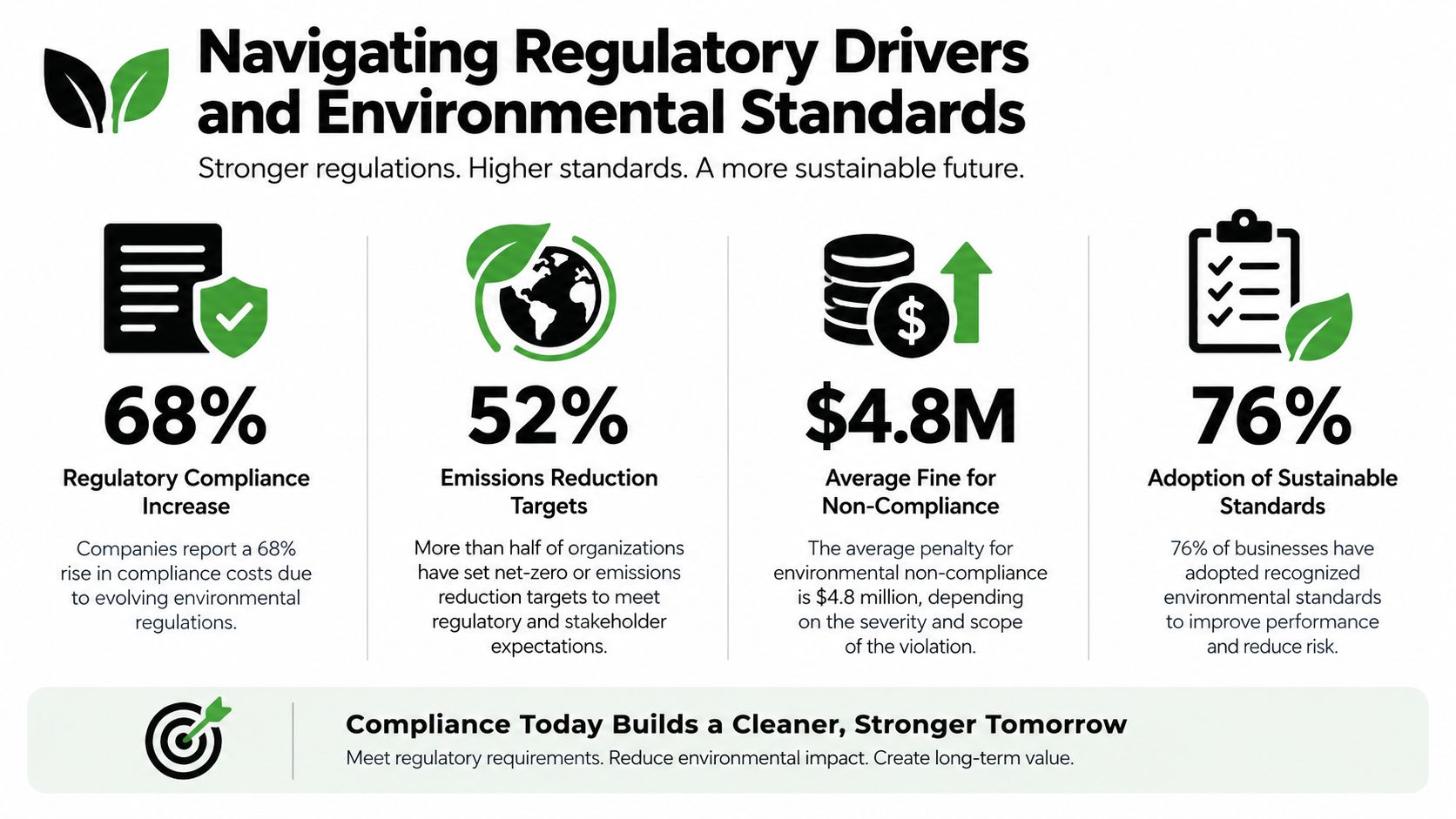
A shredded drive solves only part of the problem. Procurement has to control two risks at once: unauthorized data exposure and improper electronics disposal. If your vendor handles destruction but cannot show where the residual materials went, you have a security action without an environmental record. That is a weak position during an audit.
The regulatory standard is straightforward. Dispose of covered information in a way that prevents anyone from reading it, rebuilding it, or using it after retirement. For storage media, that means choosing a method that fits the device and the data, then documenting what happened after processing. Shredding is one option. It is not automatically the right option for every media type, and it is not the end of the compliance discussion.
The recycling obligation
The Global E-waste Monitor 2024 reported that the world generated 62 billion kilograms of e-waste in 2022, equal to 62 million metric tonnes and an average of 7.8 kilograms per person. Only 22.3% was documented as formally collected and recycled in an environmentally sound manner. The report projects global e-waste generation could reach 82 million tonnes by 2030.
That matters for ITAD contracts. Storage devices contain sensitive data, mixed materials, and components that need controlled downstream handling. Your statement of work should require documented recycling partners, material segregation, and records that tie destroyed assets to final disposition. If a provider can show shredded output but cannot show the downstream path, keep looking.
For broader laboratory and facility safety purchasing, organizations can also compare safety cabinet standards when evaluating containment and compliance controls for other regulated materials.
Evaluating On-Site Versus Off-Site Destruction Services
The right service model depends on your sensitivity, volume, facility constraints, and evidence requirements. On-site destruction offers direct visibility. Off-site processing often provides better operational scalability. Neither model is automatically more secure. The vendor's custody controls determine whether the process holds up.
| Feature | On-Site Shredding | Off-Site Shredding |
|---|---|---|
| Visibility | Staff can witness destruction at the facility | Destruction occurs at a controlled processing site |
| Transportation exposure | Media stays at your location until processing | Vendor must document pickup, transport, and receipt |
| Operational impact | Requires a service window and vehicle access | Reduces disruption to office or data-center operations |
| Volume suitability | Useful for sensitive batches and witnessed events | Practical for refreshes, consolidations, and large inventories |
| Evidence | Witnessing can supplement formal records | Chain-of-custody records carry greater importance |
When on-site makes sense
Choose on-site service when your policy requires witnessed destruction, the batch is highly sensitive, or your facility has strict controls around media leaving the premises. A mobile shredder can make the physical event visible to authorized staff, but visibility isn't a substitute for a certificate. You still need serial-number records, the method used, and a reconciliation between the inventory and the destroyed output.
On-site work also requires practical planning. Confirm that the truck can access the loading area, that the service window won't interfere with critical operations, and that the vendor can handle your media type. Don't assume a mobile unit produces the same result as a fixed industrial shredder. Ask for equipment specifications and maximum output dimensions.
When off-site is the better choice
Off-site destruction suits large IT refreshes, data-center decommissioning, and scheduled facility clear-outs. The provider can receive consolidated loads, process mixed equipment through the appropriate channels, and coordinate recycling after destruction. This model reduces disruption, but it places more weight on transportation controls.
Before selecting off-site processing, require sealed containers or other controlled packaging, authorized pickup personnel, documented transfer points, and receipt confirmation. The on-site versus off-site ITAD comparison can help teams evaluate the operational trade-offs before scheduling a project.
Practical decision: Use on-site destruction when witnessing is mandatory. Use off-site processing when volume, scheduling, and centralized controls matter more, provided the custody record is complete.
Mastering Chain of Custody and Proof of Destruction
The destruction event isn't complete when the shredder stops. It's complete when your organization can reconcile every asset and demonstrate how the provider handled it from collection through final processing.
A certificate of destruction should identify the assets covered, the destruction date, the method used, and the authorized company responsible for processing. For higher-control environments, a bulk statement without asset-level detail is weak evidence. The stronger record links each serial number to an asset manifest, custody transfers, processing results, and downstream recycling documentation where applicable.
Build an evidence trail
A disciplined chain of custody answers five questions:
- What was collected? Record manufacturer, model, serial number, asset tag, and media type.
- Who released it? Identify the authorized employee or representative who transferred possession.
- Who transported it? Document the carrier, vehicle or shipment record, and receiving location.
- What happened during processing? Record the method, equipment requirements, exceptions, and responsible personnel.
- Where did the material go next? Retain recycling or material-recovery documentation separately from the destruction certificate.
NIST's media-sanitization guidance places the process inside an organization-wide program covering policy, roles, verification, documentation, and trust in the implementing party. The chain-of-custody workflow for IT asset disposal should reflect that broader view.
Reconcile exceptions before closing the job
Damaged, inaccessible, unlabeled, or unprocessable drives need an exception record. Don't allow a certificate to imply that every collected device was destroyed if the provider rejected or diverted some items. Reconcile missing serial numbers before approving the final invoice, and retain the approved disposition for every exception.
A certificate of recycling is not the same as a certificate of destruction. One confirms material processing, while the other addresses the data-bearing asset and the sanitization event. Your procurement contract should define both documents and specify when each is required.
Choosing the Right Method, Shredding, Purging, and NIST Standards
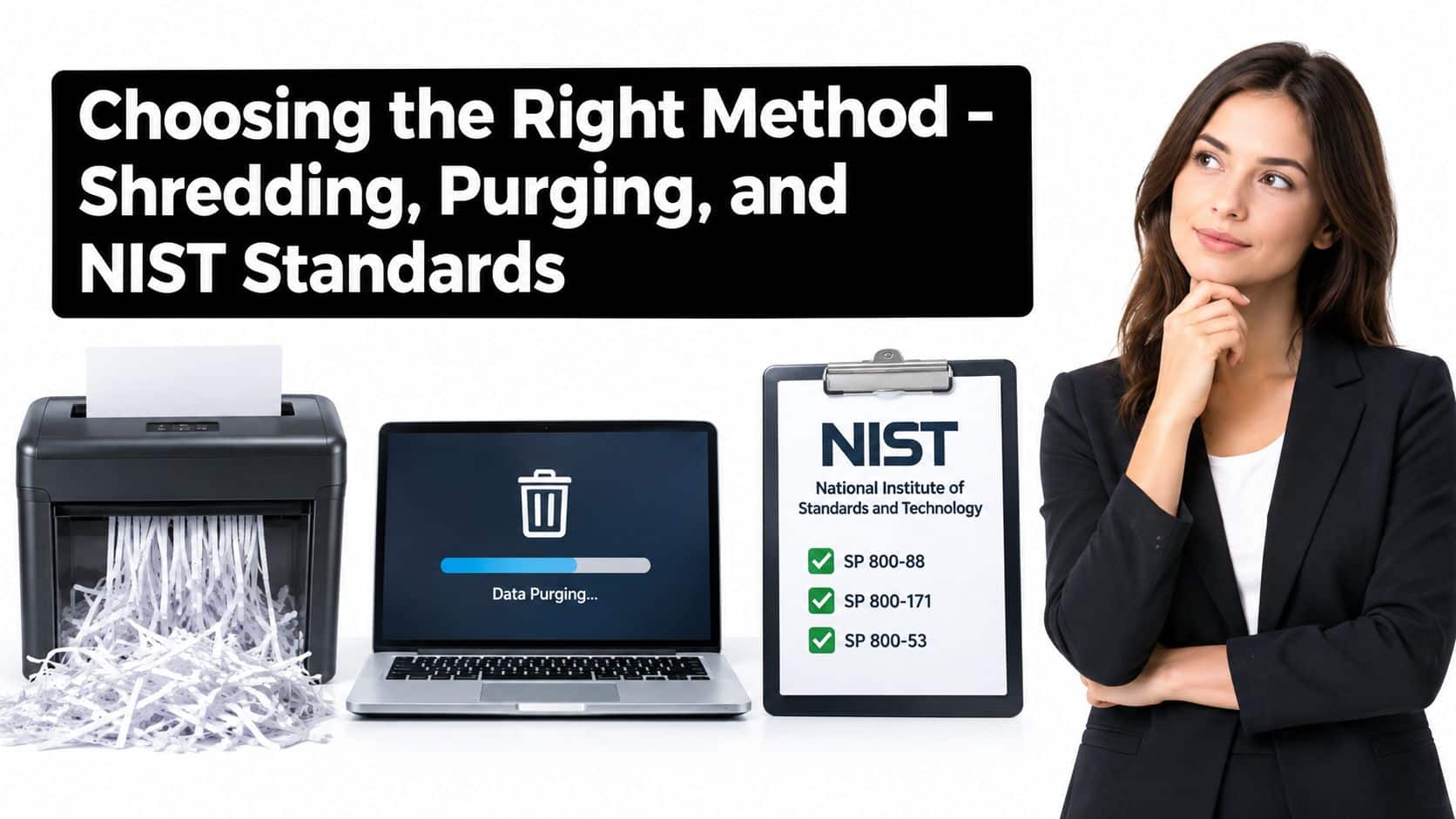
Shredding isn't automatically the right answer for every drive. NIST Special Publication 800-88 Revision 2 organizes sanitization into Clear, Purge, and Destroy, with the appropriate choice determined by data sensitivity, reuse or disposal plans, and the effort an attacker might apply. NIST SP 800-88 Revision 2 defines purge as a method intended to make recovery infeasible while potentially preserving the device, while destroy makes the media unusable for storage.
That distinction affects both security and financial recovery. A functioning drive selected for redeployment shouldn't be shredded just because the vendor advertises shredding. A failed drive that can't be reliably sanitized may require physical destruction. Your policy should make that decision before the equipment reaches the loading dock.
Match the method to the media
Magnetic HDDs: NSA/CSS guidance states that destruction devices used alone don't sanitize magnetic storage unless the resulting material reaches approximately 2 mm or smaller. Otherwise, the guidance generally points toward degaussing with an approved device or an approved disintegration process. The NSA/CSS hard-drive destruction guidance is the relevant technical reference for equipment qualification.
SSDs and flash media: Don't apply magnetic-media assumptions to SSDs. They use different storage technology, and a conventional magnetic process may not address the data. Classify SSDs, NVMe devices, encrypted self-encrypting drives, and hybrid components separately before selecting purge or destroy.
Reusable drives: A validated purge may preserve hardware for redeployment, donation, or remarketing. Physical destruction is irreversible, so it should be reserved for assets designated for permanent disposal or media that can't be reliably sanitized another way.
High-sensitivity media: Specify maximum particle or edge size, the entire drive scope, verification controls, and documentation. NSA equipment guidance identifies a maximum edge size of 2 mm or less for HDD debris in applicable equipment specifications. The NSA/CSS sanitization equipment guidance should be reviewed alongside your internal policy and contract requirements.
Beyond Surplus offers on-site and off-site hard-drive destruction, certified data wiping, pickup coordination, and certificates for commercial ITAD projects. Treat it as one candidate in your procurement review, and evaluate it against the same media, custody, and evidence requirements you'd apply to any provider. The NIST SP 800-88 service information is useful when aligning a project with your organization's sanitization policy.
Preparing Your IT Assets for Pickup and Disposal
A clean pickup starts with an accurate inventory. Don't hand a vendor an unmarked pile of equipment and expect the certificate to repair the records later. Assign an owner inside your organization, establish the disposition decision for each media type, and prepare the documentation before scheduling collection.
Use this preparation workflow
- Back up required business data. Confirm that files, configurations, and retention records have been transferred to approved systems before any drive is sanitized. Once a drive is destroyed, recovery isn't an option.
- Classify each device. Separate magnetic HDDs, SSDs, hybrid drives, encrypted media, tapes, and failed devices. Mark which assets require purge, which require destroy, and which are pending review.
- Create the manifest. Record serial numbers, asset tags, manufacturer, model, location, and disposition decision. Use the manifest at pickup, receipt, processing, and certificate review.
- Secure the inventory. Store drives in locked containers or a restricted room with access control. Keep custody limited to authorized personnel until the provider arrives.
- Prepare the loading event. Confirm the pickup contact, loading location, container count, and required witness or recording procedures. Reconcile the physical count against the manifest before transfer.
- Close the record. Match the final certificate to the manifest, document exceptions, and retain recycling evidence with the project file.
The computer recycling preparation guide can help your team organize equipment before collection. For large enterprise inventories, coordinate staging, loading, and transportation in advance rather than treating pickup as an ad hoc courier visit.
Don't drive sensitive media to a drop-off site in an unsecured personal vehicle or leave containers unattended. Use controlled transport, maintain a transfer record, and ask the provider how it handles a damaged drive that can't enter the standard processing line.
Beyond Surplus provides commercial hard-drive shredding, certified data wiping, electronics recycling, IT equipment disposal, and nationwide pickup coordination for business inventories. Visit Beyond Surplus to discuss your media types, destruction requirements, chain-of-custody controls, and final documentation before your next IT refresh or decommissioning project.


